FreeTinyTool Desktop
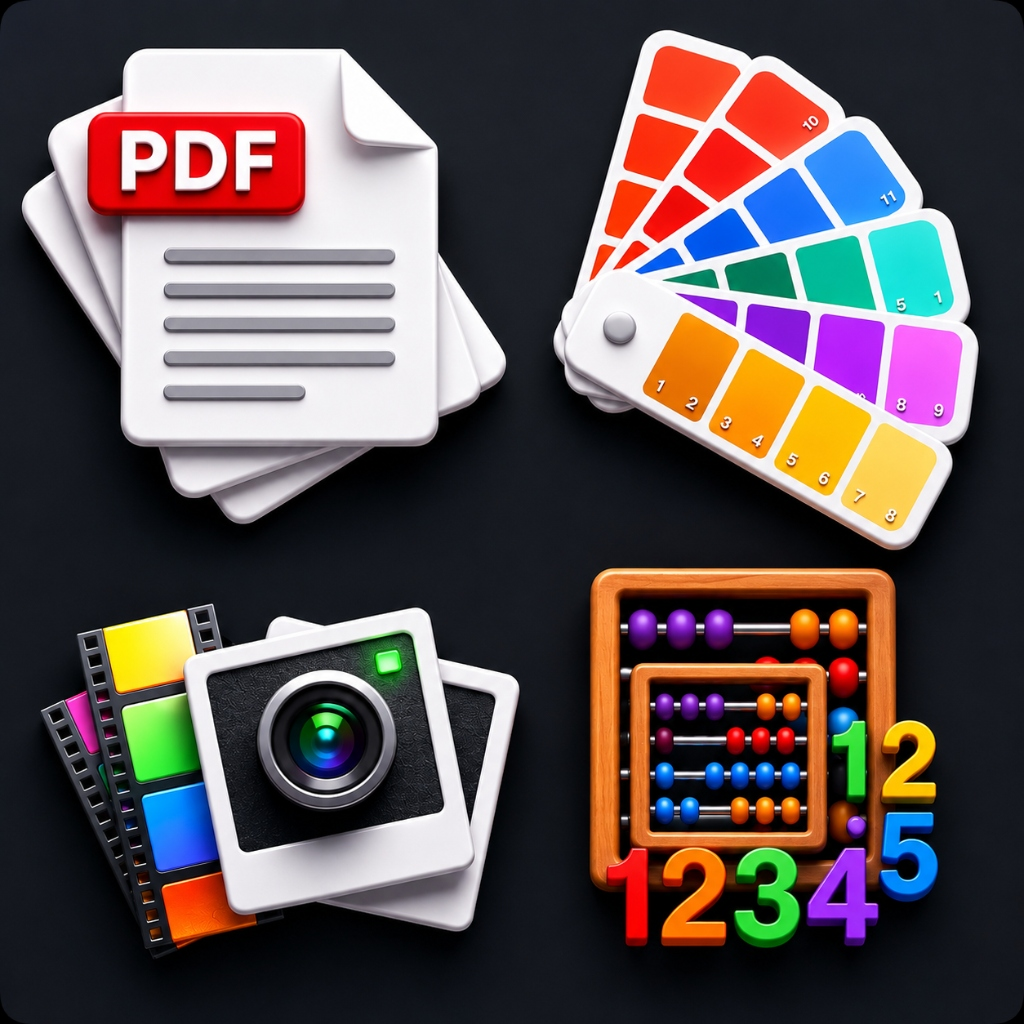
All 150+ tools — PDF editors, image converters, developer utilities, calculators, and more — packaged as a native Windows app. Works fully offline. Your files stay on your device.
Version 0.1.0 · Windows x64 · Free forever
Everything you need, offline
Blazing Fast
No internet latency. All 150+ tools run instantly on your machine — even offline.
100% Private
Your files never leave your device. Zero data collection, zero telemetry, zero cloud uploads.
Completely Free
No subscriptions, no hidden fees, no account required. Free forever.
PDF Tools
Merge, split, compress, and convert PDFs without size limits — right on your desktop.
Image Tools
Resize, convert, crop, and edit images in batch with full quality control.
Developer Tools
Format JSON, encode/decode Base64, generate hashes, and test regex — all offline.
How to install
Click "Get from Microsoft Store" above to open the app page.
Click the "Get" or "Install" button in the Microsoft Store interface.
Windows will automatically download, verify, and install FreeTinyTool.
Launch FreeTinyTool from your Start Menu or Desktop shortcut. Updates are handled automatically.
Frequently asked questions
Is it really free?
Yes. FreeTinyTool Desktop is free forever with no subscriptions, ads, or hidden costs.
Does it work offline?
Completely. Every tool runs locally on your machine with no internet connection required.
Is it safe?
Yes. FreeTinyTool is verified and distributed through the official Microsoft Store, ensuring it is scanned, secure, and safe to run on your device with automatic updates.
What Windows versions are supported?
Windows 10 and Windows 11 (64-bit) are supported.
Does it collect any data?
No. FreeTinyTool Desktop collects zero personal data, usage analytics, or telemetry. Read our Desktop Privacy Policy for full details.
Ready to go offline?
Download FreeTinyTool Desktop and take your tools everywhere — no browser needed.